The Google Earth app for Android includes a handy screen
capture feature that allows you to capture and share screenshot images of the
current view inside Earth with a click. You may capture screenshots of aerial
imagery as well as 3D buildings.
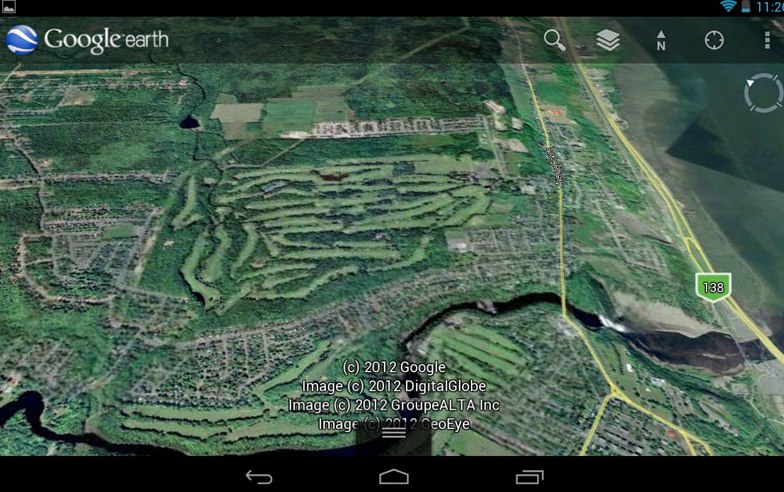
You can then directly save that screenshot to Dropbox, Gmail, Facebook or any other application that is part of the system-wide Share menu.
The screen-capture feature is not available inside the Google Maps app for Android but you can use another app called Skitch to capture clean screenshots of your Google Maps.
Open the Skitch app and choose Draw on Map. Now search for a location on Google Maps and tap the “tick” symbol to save a screenshot of the current view.


No comments:
Post a Comment